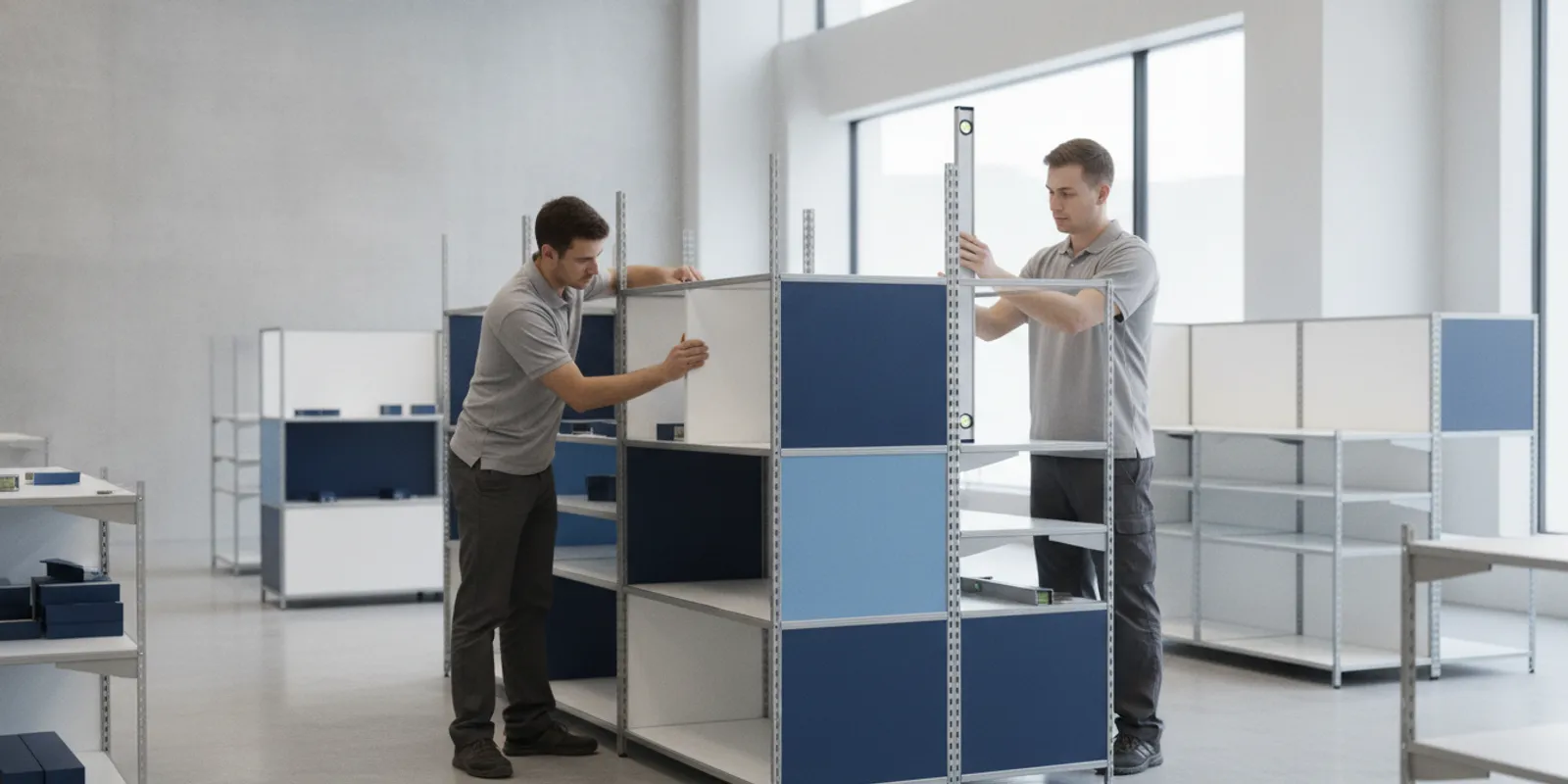


Easy assembly retail fixtures are designed so store teams or installation crews can put them together with a clear sequence, a manageable set of components, and repeatable results. For a multi-location program, easy assembly is not simply a fixture that appears simple in a rendering. It is a design and delivery system: the parts, instructions, packaging, site plan, and inspection process must work together. In brief, evaluate the fixture by how reliably it can be identified, assembled, checked, and repeated across every store—not by part count alone.
Plan a custom retail fixture program
Quick answer: Ask suppliers to show how the fixture breaks into labeled assemblies, how each connection is secured, what tools and labor are needed, how the package protects and identifies components, and how a first-store build will inform later rollout waves. Then validate the design with a real assembly trial and a consistent quality checklist.
A fixture is easier to assemble when its design reduces avoidable decisions in the field. Components arrive in a logical order. Connections are accessible. Parts fit in only the intended orientation where practical. Instructions make the next action obvious. The completed unit can be checked against defined acceptance points.
That definition is broader than “few parts.” A small number of bulky or ambiguous components can be harder to handle than a larger set of well-organized parts. Likewise, a quick build at one store does not prove that the same result will be achieved across a chain. The real test is whether different crews can follow the same process with the same package and reach a consistent finished fixture.
Think of assembly as one part of the fixture’s full lifecycle. The design must support shipping, receiving, movement through the store, installation, and any later maintenance or relocation. Those needs can compete. A design review should make trade-offs visible before the program is released for production.
Start with the work that must happen at the store. Identify who will assemble the fixture, where assembly will take place, what tools are available, and how much space is available to lay out parts. These are project questions, not assumptions. A fixture assembled in a stockroom may face different constraints from one built in a sales area after hours.
Ask the design team to explain how the product divides into shippable and installable assemblies. Look for repeatable subassemblies, clear interfaces, and access to fasteners or other connections. If two parts look similar but are not interchangeable, the design and labeling should make the distinction easy to recognize. If the unit has an intended front, back, top, or orientation, the parts and instructions should make that clear.
Consider what can be assembled before delivery and what should remain separate for transport or in-store handling. Larger preassembled sections may reduce work at the site, but can take more space in transit or be harder to move through a building. Smaller modules may be easier to handle but create more opportunities for parts to be misplaced. There is no single best arrangement for every program; the right choice depends on the store, the shipment plan, and the fixture’s final use.
During review, flag connections that are difficult to reach, steps that require a component to be held in place while another person fastens it, and repeated operations that invite inconsistent results. Ask whether the sequence can be simplified without compromising the fixture’s intended function or stability. Confirm that the design team has considered how parts will be aligned and how the assembler will know when a connection is complete.
Do not assume that changing a material or connection is a harmless shortcut. Any proposed revision should be reviewed by the responsible design and engineering team for fit, finish, stability, durability, and the program’s requirements. Easy assembly should reduce confusion, not shift risk to store teams.
Compare possible approaches against your actual delivery and store conditions. The table is a planning tool, not a substitute for a prototype or a project-specific engineering review.
| Approach | What happens at the store | Potential advantage | What to validate |
|---|---|---|---|
| More preassembled modules | Connect a smaller number of larger sections | Fewer assembly operations on site | Package size, handling route, receiving space, and connection access |
| Flat-pack components | Build the fixture from individually packed parts | Compact shipment and flexible staging | Part identification, instruction clarity, tool needs, and missing-part controls |
| Modular or repeatable system | Join recurring components in a defined configuration | Potential for a common process across locations | Configuration control, store-specific differences, and interface consistency |
| Hybrid approach | Install prebuilt sections and complete selected connections | Balances shipment constraints with field work | Handoffs between production, packing, transport, and store assembly |
For example, a chain updating several store formats may use a shared base assembly while varying selected display modules. The opportunity is a more familiar process across locations. The risk is that a shared package may still contain store-specific parts that look alike. Separate, unmistakable identification and a store-level bill of materials can help teams confirm they have the correct configuration before starting.
Retailers comparing standard shelving or display elements can review options such as retail shelving and gondola shelving or slatwall panels and displays as reference points for planning. For backroom planning, teams may also review bulk and backroom fixture options. The right fixture specification still depends on the program’s layout and operational needs.
Instructions should guide a person through the work, not just document the design. Use a consistent step order and clear illustrations that match the actual components. Identify parts by the same names or codes used on labels and in the packing list. Show orientation and connection details where confusion is likely. Include a tool list and any project-specific handling or safety notes confirmed by the responsible team.
Packaging is part of the assembly experience. It should protect components in transit and help teams find the right items at the right stage. Consider grouping related parts, using consistent package identifiers, and keeping small hardware together in a way that is easy to check. Labels should connect to the store’s shipment records and instructions. Do not rely on color alone to distinguish parts if the same information can be stated clearly in words or symbols.
Review the unpacking sequence, too. If installers must empty every carton to find one component, the package may add unnecessary handling and clutter. If different store configurations are packed together, the separation between them must be unmistakable. A packaging mock-up or pilot shipment can reveal problems that are easy to miss in a drawing review.
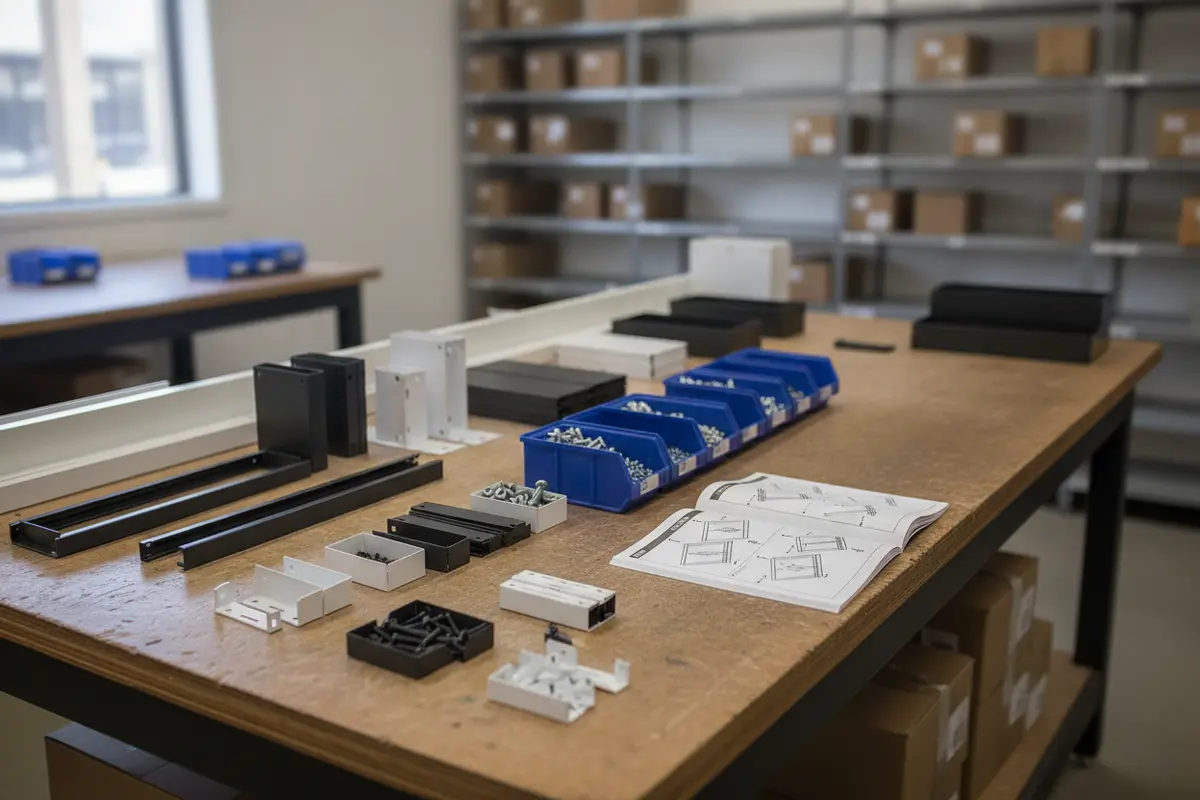
Repeatability starts before the first shipment. Build a store matrix that records relevant differences, such as fixture configuration, delivery constraints, staging space, and the planned installation window. Confirm who receives the shipment, who assembles the fixture, and who signs off. Those roles may vary by location, so make the handoff explicit rather than assuming every store follows the same routine.
Sequence the delivery and work so components arrive when the site can receive and stage them. A shipment that arrives too early may occupy limited space; one that arrives too late can disrupt the planned work. Confirm delivery windows, receiving contacts, and staging arrangements with the parties responsible for each location. Where delivery or assembly involves workplace hazards, the project team should follow applicable safety requirements; OSHA’s homepage is a starting point for federal workplace safety information at OSHA.gov.
Plan for stores that do not match the standard scenario. A location may have limited access, a different floor plan, or a different sequence of work. Identify these exceptions early and decide whether they need a distinct configuration, a revised sequence, or additional coordination. Keeping exceptions visible prevents local improvisation from becoming an undocumented second version of the program.
Fixture choices may also sit alongside other store equipment. For example, teams can reference floor-standing point-of-purchase display options or display counters and showcases while mapping the broader environment. Keep the approved fixture schedule as the source of truth for what belongs at each location.
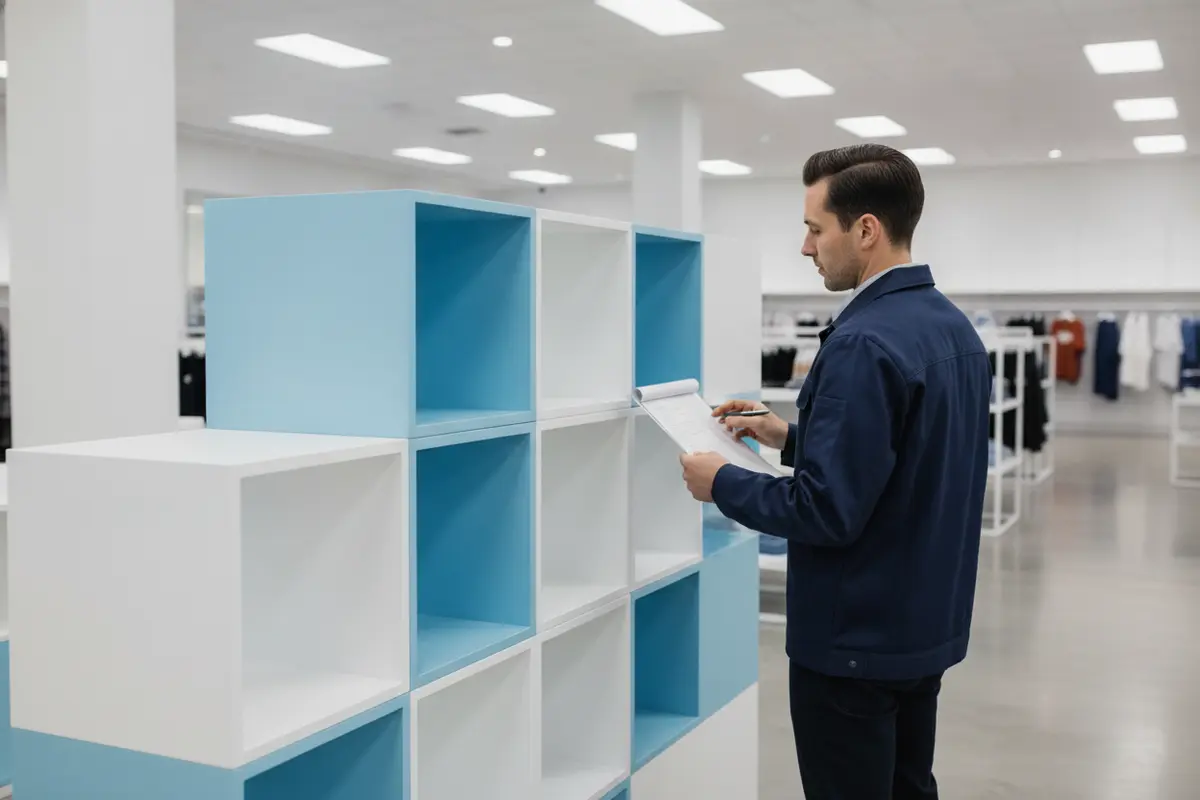
A useful quality check is specific enough that different people can apply it in the same way. Create a checklist for the completed fixture and define how to report a problem. Depending on the design and program requirements, checks may cover the approved configuration, correct component placement, completed connections, alignment, finish condition, and removal of packaging. The design or project team should set the acceptance criteria for the particular fixture; this article does not prescribe technical tolerances.
Use a simple evidence process. The installer or store representative records completion, notes exceptions, and shares a photo when the program calls for one. The project team can then distinguish an assembly question from a shipping issue or a design discrepancy. Capture recurring issues by type and location, and route them to the person authorized to resolve them. Do not let informal local fixes replace an approved design change.
For a pilot, watch the full process: unpacking, parts identification, assembly, placement, and final review. Note where the crew pauses or asks for clarification. Those observations can show whether a problem comes from the design, an instruction, the packaging, or the site plan. Make the correction once, document the updated version, and communicate it to every team that will use it.
Use the pilot to test the whole kit, not only the fixture design. Set up the work area as close as practical to the expected store conditions. Give the crew the package and instructions that will be supplied for the rollout, and ask them to complete the assembly without relying on undocumented guidance from the design team. Observe where they search for parts, reread a step, change the sequence, or ask for help. Those moments are useful evidence about friction in the process.
Record more than elapsed time. Note whether the parts list matches the package, whether the labels are easy to connect to the instructions, whether the planned tools are adequate, and whether the completed unit passes the agreed checks. If more than one crew or store format is involved, identify what differs between trials. A single successful build may show that the fixture can be assembled; it does not automatically show that the process is clear or repeatable for every location.
Close the trial with a short decision record: what worked, what needs revision, who owns each change, and which document or component version is approved next. Retest changes that could affect fit, sequence, handling, or inspection. Keep the final instructions and checklist aligned with the production configuration so a pilot improvement does not leave later teams with outdated guidance.
Multi-location programs can expose issues after production or delivery has begun. Establish a simple method for reporting a discrepancy and identifying the affected store, package, fixture version, and part. The team responsible for the design or program should assess the issue and determine whether it calls for clarification, replacement parts, a controlled revision, or another response. Local teams should not make untracked substitutions to keep work moving.
When a change is approved, record its effective date or shipment wave, update the relevant instructions and parts information, and tell each affected team how to recognize the current version. Keep older documentation from being mistaken for the approved instructions. This discipline helps distinguish a one-location exception from a change that must be carried through the remaining rollout. It also creates a practical record of what the program learned as it moved from pilot to later stores.
Answers should be concrete and tied to the specific program. A general statement that a fixture is “easy to assemble” is not enough to plan a chain-wide rollout. Ask for the actual components, package plan, instruction format, and quality process that will be used.
Discuss your custom fixture program
No. Part count alone does not show how difficult assembly will be. Clear identification, accessible connections, sensible sequencing, and useful instructions can matter as much as the number of components.
Not necessarily. Preassembly may reduce work at the store, but it can affect package size, shipping, and handling. Compare those trade-offs with flat-pack or hybrid options using the actual delivery route and store conditions.
Run a representative build using the intended package, instructions, tools, and work conditions. Resolve the issues observed, document the approved version, and confirm the process with early rollout locations before applying it to later waves.
There is no universal single check for every fixture. Define project-specific acceptance points with the responsible design team, then apply the same checklist and exception-reporting process across locations.
Evaluate the fixture and the field process together: component design, packaging, instructions, store sequencing, and quality checks. A tested, documented assembly plan gives retail teams a clearer path from the first build to the final location.