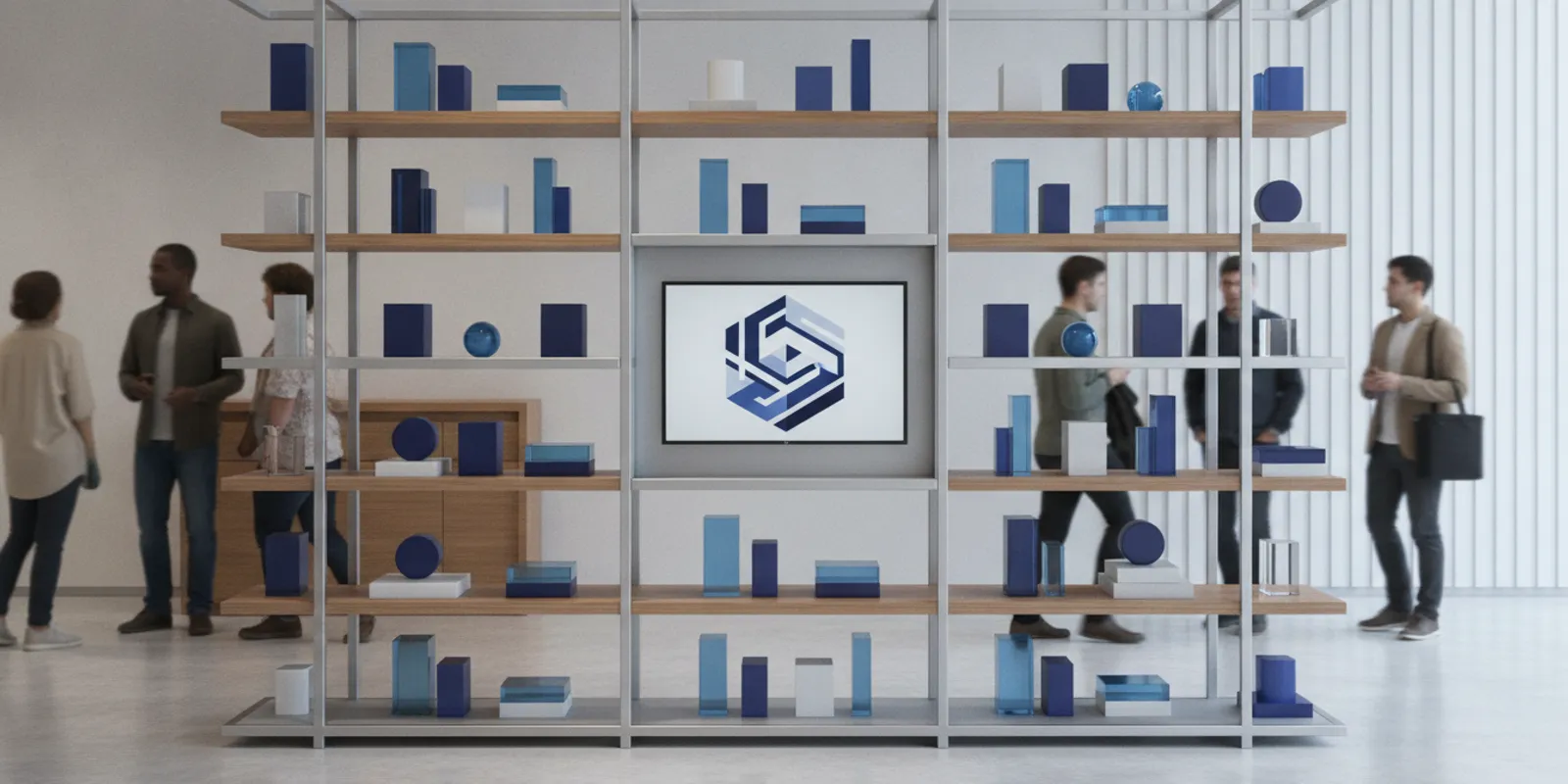


A retail display technology roadmap is a practical plan for choosing which digital and physical display capabilities a store program needs, when to introduce them, and how teams will operate and maintain them. A useful retail display technology roadmap connects content, power, connectivity, fixture design, and support needs to a real customer or store task instead of treating every technology purchase as a separate project.
Explore custom retail fixture solutions
Quick answer: Start with the store need, then map the content and equipment requirements to fixtures, infrastructure, ownership, and rollout stages. Test the plan in a representative setting, document what teams learn, and expand only when design, installation, and ongoing support are ready.
A roadmap gives retail, store design, IT, marketing, and operations a shared basis for making compatible decisions. It clarifies what a display should help someone do, what infrastructure it depends on, who updates it, and how the approach can work across different store locations.
It is not simply a list of screens to purchase. It is a sequence of decisions. A retailer might want to help shoppers compare products, share changing campaign content, or give associates a better way to explain an assortment. Those goals lead to different choices about message, placement, hardware, fixture design, and support. A digital element may help, but a physical fixture and clear signage may be the simpler answer when the information is stable.
Keep the plan tied to operational needs, not novelty. Define the audience and task, identify the store conditions, and describe how the display will be updated and maintained. That makes it easier to compare physical merchandising, digital content, and combined experiences on useful criteria.
Write down the problem before selecting technology. Make it specific enough that store teams can tell whether the display helps. “Modernize the department” is too broad to guide decisions. “Help shoppers compare the available options at the point of choice” gives the team a task to design around.
For each use case, answer four questions:
Then name the current friction. Is the display hard to update? Is information inconsistent between stores? Does the product need context at the point of choice? Do teams change the presentation often? These observations turn a broad ambition into requirements. They also keep a screen from being added without a defined job.
For example, a specialty retailer with a stable assortment may need clearer product grouping, easier access, and a durable sign. Another retailer running frequent campaigns may have a stronger reason to consider digital content. The right answer depends on the frequency of change, the task, and the capacity to manage the content workflow.
Content determines what a display must support. A stable assortment may work with physical shelving and durable signs. A campaign that changes often may benefit from digital content, provided the retailer can create, approve, schedule, and maintain it. A combined display can use a screen for changing information and fixtures for product access and organization.
Before selecting hardware, map the content workflow. Decide who owns the message, who approves it, how often it changes, and what happens if a screen is unavailable. If content is centrally managed, define how local teams can address store-specific needs without creating inconsistent presentations. If stores maintain content locally, give them clear ownership and instructions.
Consider the full content lifecycle rather than just the launch creative. A useful workflow covers the first version, routine updates, seasonal changes, corrections, and eventual removal. Clarify file formats and review steps with the teams responsible for the content and equipment. Plan a fallback message or physical sign for situations when a display is dark, offline, or showing outdated material.
Plan the physical experience around the content. A screen should not obscure merchandise or compete with important sightlines. The product, fixture, and digital element should feel like parts of one presentation. For ideas about designing a physical display zone, see these retail window display ideas.
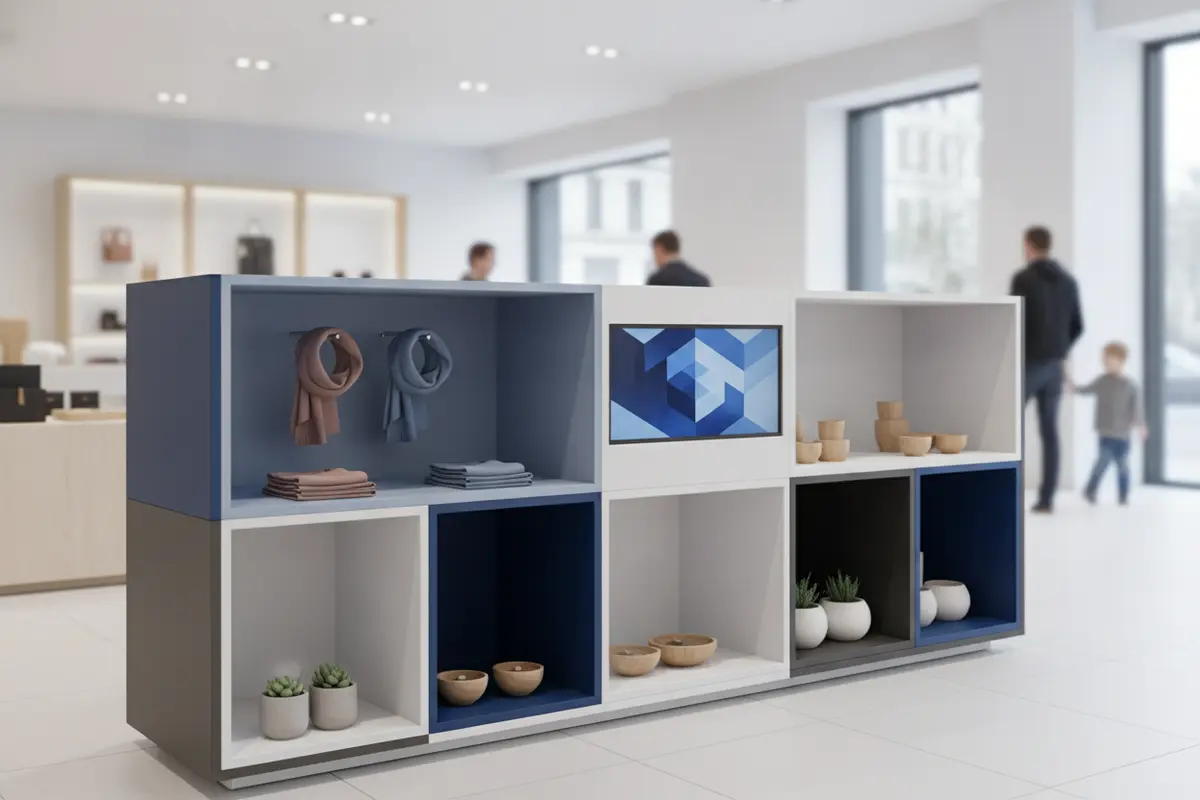
A concept that looks simple on a drawing can create installation or service challenges in a real store. Bring power, connectivity, mounting, access, and maintenance into early fixture discussions. These requirements affect where equipment can go and how store teams will work around it.
Confirm where power is available and how cables can reach equipment without creating a trip hazard, an untidy appearance, or an obstacle to product access. Coordinate outlets, cable routing, equipment placement, and service access with the fixture plan. Do not assume a convenient power source exists at every intended location. Record who is responsible for confirming site conditions before the design is finalized.
Ask how each device will receive content and what the store environment permits. IT teams should clarify network access, security expectations, device setup, and who handles support. Include a fallback plan for interruptions so the display does not become confusing or unusable if content cannot refresh as expected.
Connected displays are part of a broader technology environment. Retailers should have their IT and security teams review device access, updates, and network controls according to the organization’s policies. The Cybersecurity and Infrastructure Security Agency’s cybersecurity resources can be a starting point for that review; teams should use their own technical requirements to make device-specific decisions.
Make sure the fixture can accommodate the intended equipment and that staff or service providers can reach it safely. Consider cleaning, replacement, adjustment, and connection access. A design that hides every cable but makes routine service difficult can create avoidable work later. Show access panels and service points in the design package rather than leaving them to be figured out during installation.
Also account for routine store activity. Can employees replenish merchandise without shifting the screen? Can cleaning happen without disrupting cables? Is the equipment protected from routine bumps in its location? These questions should be answered in the context of the actual store and fixture plan, not as assumptions carried from one site to another.
Think of the fixture as the structure of the experience. It organizes products, establishes visual hierarchy, and gives digital components a place to support the shopping task. The screen should have a clear purpose and position, while the fixture should remain useful even if the digital element is not the main attraction.
For example, a specialty retailer could use shelving to group related products, a clear sign to identify the category, and a screen to present rotating guidance or campaign material. The technology adds context; it does not replace product access or a coherent layout. Another store may be better served by physical displays alone if information is stable and a screen would add little value.
When choosing a physical base, compare product capacity, visibility, flexibility, and how associates replenish it. A double-sided starter gondola is one example of a merchandising format that organizes goods on two sides. Evaluate any fixture against the assortment, location, and store plan rather than assuming one format fits every program.
Make the relationship between fixture and technology visible in drawings and specifications. Show the intended placement, what merchandise remains accessible, where cables run, and how a component can be serviced. A complete view helps teams evaluate the presentation and the practical work of installing and operating it.
Use stages that let teams resolve dependencies before they multiply across locations. The sequence below is a planning framework, not a promise that every program needs the same tools or duration. Each stage should leave behind a decision or document the next team can use.
| Stage | Key decision | Output to document |
|---|---|---|
| 1. Define the use case | What store task or customer need should improve? | Audience, location, task, and intended operational outcome |
| 2. Map requirements | What content, fixture, power, connectivity, and service needs apply? | Requirements brief and owner for each dependency |
| 3. Design the experience | How should merchandise and digital content work together? | Layout concept, equipment placement, and content approach |
| 4. Test a representative setting | Can teams install, use, update, and maintain the solution? | Observed issues, revisions, and store instructions |
| 5. Prepare the rollout | Are specifications, logistics, training, and support ready? | Approved package, location variations, and escalation path |
| 6. Review and refine | What should continue, change, or be removed? | Decision record and next review point |
Choose a pilot setting that reflects the complexity of the intended rollout. A test location should help teams inspect installation, content handoffs, maintenance access, and how shoppers and associates encounter the display. If the rollout includes more than one store type, consider whether a single pilot can represent them all. A site with unusually simple conditions may not reveal the issues that matter elsewhere.
Record what changed and why. Capture installation questions, unclear instructions, content delays, support requests, and adjustments to the fixture or equipment position. Assign each issue an owner and record whether it changes the design, the process, or both. Without this record, later locations may repeat problems or drift from the approved approach.
Compare options against the same use case, not against an abstract preference for newer or simpler technology. A short decision matrix makes trade-offs visible and helps teams explain why a particular approach fits the task.
| Approach | Useful when | Plan for | Questions to resolve |
|---|---|---|---|
| Physical fixture and sign | Information and assortment are relatively stable | Sign replacement, fixture upkeep, and product replenishment | Can shoppers find and understand the information at the point of choice? |
| Digital display | Content changes often or needs a dynamic presentation | Power, connectivity, content ownership, device support, and fallback | Who updates it, and what will stores see during an interruption? |
| Combined fixture and digital display | Products need physical access and information needs to change | Coordination of placement, sightlines, cables, service access, and content | Does each element have a distinct role in the customer experience? |
Use the matrix to surface unanswered questions, not to declare a universal winner. For instance, a combined approach may suit a department where shoppers handle products but need changing comparisons. If a screen would repeat information already visible on packaging, it may not justify the added content and support work. Compare the actual operational burden alongside the experience the team wants to create.
Choose measures linked to the original use case, and confirm that teams can collect them consistently. A roadmap might track whether content is updated as planned, whether equipment remains serviceable, whether stores follow the installation package, or whether a particular customer task becomes easier to complete. Select measures the retailer can define and observe; do not assume that the presence of a screen proves business impact.
Separate operational checks from customer outcomes. Operational checks can include installation completion, ownership of content, adherence to the update process, and patterns in service issues. Customer-facing evaluation might involve observing whether the presentation is understandable or gathering feedback through the retailer’s existing research methods. Compare findings with the stated goal and note other changes that could influence what teams observe.
Set review points before launch. Decide who reviews results, how often, and what evidence would lead to revising content, moving equipment, adjusting the fixture, or stopping the approach. A clear decision rule prevents a pilot from becoming permanent simply because it is already installed. Make sure the measures are feasible for store teams to report without creating an excessive new process.
Document what must stay consistent and what can adapt. Core fixture dimensions, placement logic, content standards, and service responsibilities may be shared across locations. Local assortment, floor plans, or operational constraints may require approved variations.
Use a rollout package that explains the intent as well as the specifications. Include the fixture plan, equipment placement, power and cable assumptions, content responsibilities, installation notes, and maintenance instructions. Add a controlled way for stores to report constraints and request changes, rather than encouraging improvised workarounds.
Before expansion, confirm that the supply and project plan can support the number and variety of locations. Coordinate design, engineering, manufacturing, logistics, and installation responsibilities. A custom retail fixture program may require coordination across these workstreams; teams evaluating that scope can learn more about custom retail fixtures.
When store formats differ, document the approved variants and the conditions that call for each one. A field team should be able to identify the correct package for its location without guessing. Keep version information visible so that installation teams, content owners, and support teams are working from the same current plan.

A concise brief gives decision-makers a shared reference. Include the following items and mark open questions clearly:
Keep assumptions visible. If a location survey, network review, or equipment specification is pending, mark it as an open item and name its owner. This is more useful than treating an unconfirmed detail as settled. Include the decision date or milestone that depends on resolving it so the team understands its effect on the plan.
A roadmap works best as a living decision document. Update it when a use case changes, an operational dependency is resolved, or evidence from a test calls for a different approach. That makes the next investment more deliberate and gives store teams a clear operating plan.
Plan a custom fixture program with S-CUBE
It is a staged plan for aligning digital content and equipment with physical fixtures, infrastructure, store operations, and rollout decisions. It connects technology choices to a defined customer or store need.
No. A screen makes sense only when it serves a defined purpose, such as supporting changing information or a particular shopping task. Stable information or a straightforward product presentation may work better with physical fixtures and signage.
Bring IT in while use cases and locations are being defined, before the fixture design is finalized. This gives the team time to confirm connectivity, access, equipment placement, and support responsibilities.
Test it in a setting that reflects real store conditions. Check installation, product access, content updates, service access, and staff instructions. Record issues and revisions before approving a wider rollout.
Include the approved fixture and equipment plan, infrastructure assumptions, content ownership, installation guidance, maintenance responsibilities, location variations, and a process for reporting issues and requesting changes.
A thoughtful roadmap connects technology decisions with the fixtures, content, and store processes that make a display useful in daily retail operations.