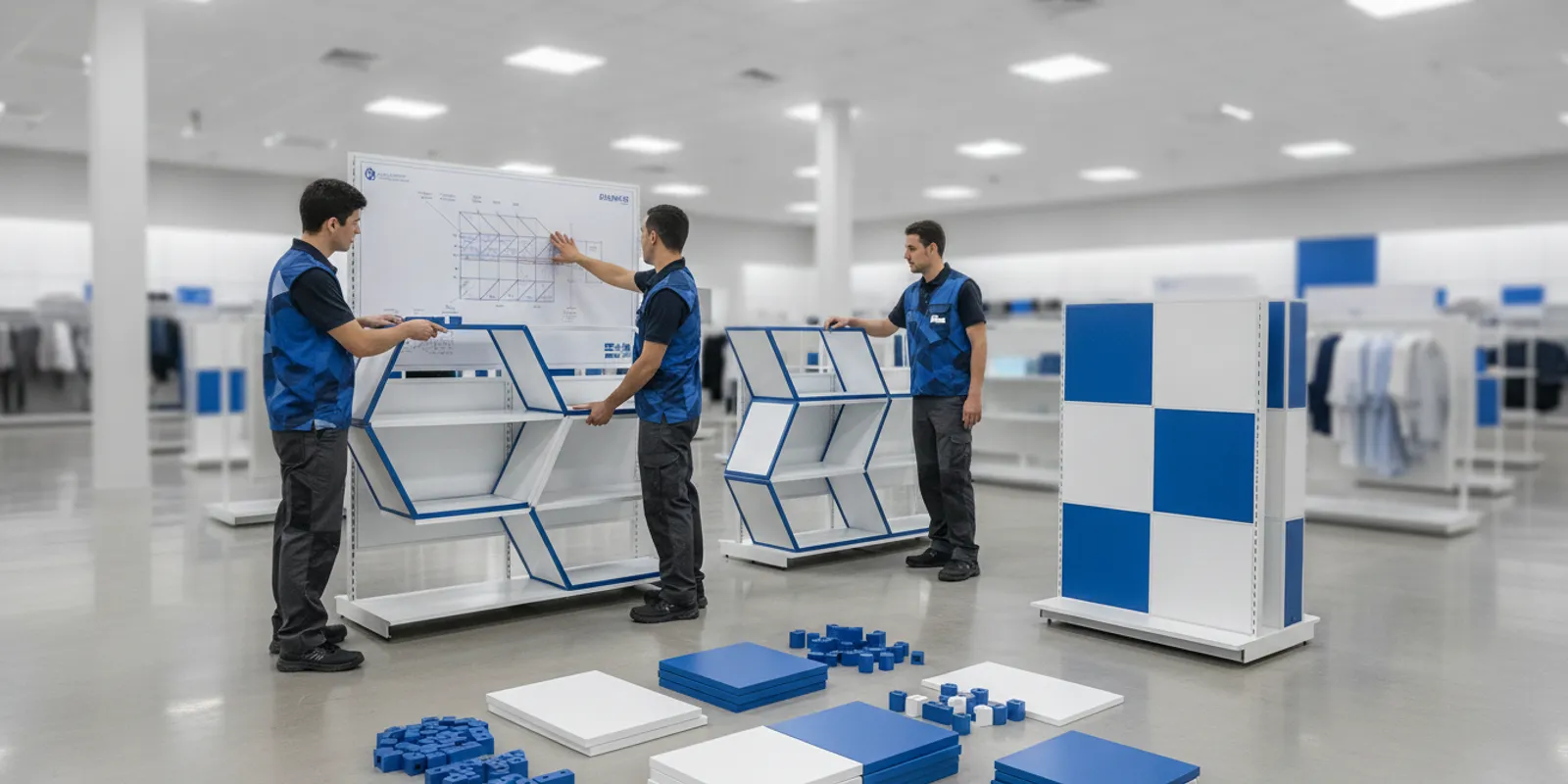


Store reset fixtures affect more than the new floor plan. For a chain, a reset also means deciding what stays, what moves, what needs repair, and what must be replaced before teams begin work. A clear fixture plan turns that event into repeatable work across locations, while leaving room for differences in store conditions.
Plan your custom retail fixture program
A store reset changes merchandise placement, fixtures, or both. The plan should translate the merchandising intent into instructions a store team or installation crew can carry out. It should also identify what happens to each existing fixture, not just specify what the finished store should look like.
Start with the outcome for the reset. Is it a seasonal assortment change, a category move, a new brand presentation, or a larger format adjustment? The answer defines how much work is required and what information teams need. A reset that moves product within an existing gondola is not the same task as one that adds fixtures, changes aisle boundaries, and redistributes components.
At minimum, document:
For a program covering multiple stores, give each location a clear identifier and a version-controlled plan. A location-specific exception should be visible rather than buried in an email or assumed by the crew. This gives the central team a way to distinguish an approved local variation from an incomplete reset.
Do not treat every reset as a fixture replacement project. Existing fixtures may suit the new plan, especially when they remain serviceable and can be repositioned. At the same time, reuse should be a decision based on fit and condition, not a default that creates extra work in the store.
Assess each fixture against the new use. Check its function, visible condition, stability, dimensions, finish, and compatibility with the intended layout and merchandise. Confirm that required components are present. If the fixture is being moved, consider whether it can be safely handled and whether its new position creates a conflict with nearby equipment or store operations. Do not assume that an item that worked in one location will fit another without checking.
| Decision | When it may fit | What to confirm before the reset | Planning action |
|---|---|---|---|
| Reuse in place | The fixture fits the new merchandising plan and remains serviceable. | Product capacity, presentation, condition, and any needed cleaning or adjustment. | Mark it to remain; tell the team what changes around it. |
| Relocate | The fixture is suitable, but its current position no longer supports the plan. | Destination dimensions, access, orientation, parts, and safe handling needs. | Show its current and new positions, sequence, and responsible team. |
| Repair or modify | A defined issue can be addressed and the result still meets the intended use. | Exact defect, approved repair or change, components, and sign-off owner. | Record work and verify completion before merchandising. |
| Replace | The fixture does not fit the new use or its condition makes continued use unsuitable. | Required function, size, finish, quantity, delivery timing, and removal plan. | Specify the replacement and coordinate delivery, staging, and disposition. |
Use a simple condition code or status beside every fixture line on the store plan. For example: reuse, move, repair, or replace. Define the codes in the plan, then ask the store or field lead to report exceptions using the same labels. Consistent terms make it easier to consolidate feedback from many locations.
When the decision is unclear, capture a photo and the relevant measurements or identifying details before the reset is scheduled. Assign an owner to approve the disposition. This prevents a crew from making an unplanned replacement decision on site, and helps avoid shipping a fixture that duplicates usable equipment.
Build a common base plan, then record meaningful differences by location. The base plan should describe the intended fixture arrangement and the work sequence. The location record should flag exceptions such as a different existing fixture, a missing component, or an access constraint. This balances consistency with the practical fact that stores may not all start in the same condition.
Use a fixture schedule that ties each item to a department, location, and action. Useful fields include fixture type or identifier, quantity, current position, planned position, disposition, related parts, and a note on the merchandising purpose. Include a drawing or marked-up layout when a written instruction alone could be interpreted in more than one way.
Make plans easy to compare and execute. Keep fixture names consistent across the drawing, schedule, packing list, and field instructions. If the plan changes after approval, show a revision date and summarize the change. The version sent to the store should be the version the field team is expected to follow.
Fixture selection can also affect how a reset functions at a particular point of sale. Research published in Production and Operations Management examines the effects of store fixture shape at retail checkout. For a reset plan, this is a useful prompt to assess checkout fixtures in the context of both their shape and the operation around them, rather than treating the fixture as an isolated object.
Where off-the-shelf components may serve the plan, review retail store fixture collections or portable retail display options as part of the comparison. A reset may also require a specific category of equipment, such as point-of-purchase displays or gondola shelving. Confirm the actual product, dimensions, and availability for the program before finalizing the plan.
When stores cannot reset at the same time, divide the work into manageable waves and define what must be true before each wave starts. A wave plan should name the included locations, the version of the fixture plan they will use, and the materials expected at each store. Keep dates and responsibilities together in one tracker so a changed delivery or a store readiness issue can be seen before it disrupts the sequence.
Use a small pilot group when the program has unresolved questions about fit, instructions, or pack-out. Treat the pilot as a chance to test the documents and process, not as permission to change the design informally. Record what the team encountered, decide whether a change is needed, update the master plan, and distribute the approved revision before the next group begins. If no change is needed, share the clarified instruction so the same question does not recur.
For each wave, check a few practical readiness points: the store has the current drawing and schedule; fixture quantities and parts match its plan; the work area and timing are understood; and an exception owner is available. If a location is not ready, make an explicit decision to defer, adjust the sequence, or proceed with a documented scope change. This avoids quietly sending a store an outdated plan or incomplete package.
Pack-out is the bridge between an approved plan and field execution. It connects each location's fixture decisions to the right items, parts, labels, and instructions. A pack-out list should be specific enough that the receiving team can identify what belongs to that store and what action is expected.
For each store, organize the information around the work rather than only around the shipment. List items to be delivered, existing items that will be relocated, components needed for assembly or adjustment, and materials that should be removed or held. Keep the terms aligned with the fixture schedule. If a display requires separate parts, name them so a team can match the parts to the assembly or placement instruction.
Packaging and delivery details should reflect the work sequence. If crews need one group of components before another, make that order clear in the receiving and staging instructions. Do not assume a delivery list alone explains which components go to which department or fixture. Use the reset plan and store labels together.
Some locations may need accessories or merchandising components alongside the primary fixture. For example, wall shelving or apparel racks and supplies can be relevant to particular department plans. These examples are not substitutes for checking the layout and the requirements of each store.
Give each participant a defined role. Retail operations can confirm store readiness and local constraints. Merchandising can clarify the intended product presentation. The fixture or project team can maintain the approved plan, coordinate supply, and resolve fixture questions. Store teams or installation crews need a clear work sequence and a named person who can approve exceptions.
Before the reset date, confirm that the location has the current plan, knows which fixtures are staying or moving, and understands how to report a mismatch. Verify that replacement fixtures and required components are expected in time for the planned work. If equipment must be staged, define where it can be held without disrupting store activity. For multi-location programs, use a shared tracker to show readiness, open issues, and completion status.
Sequence the work to reduce avoidable rehandling. A typical sequence is to verify the location and existing fixture condition, protect or clear the work area as appropriate, remove or reposition specified items, complete fixture changes, check the arrangement, and then merchandise to the approved plan. Adapt the sequence to the store's operating needs and the work involved; do not assume one sequence is right for every format.
Prepare an exception path before crews arrive. Common examples include a fixture that differs from the plan, a missing part, damage discovered during movement, or a layout constraint that was not recorded. The field instruction should say what to document, whom to contact, and whether work can continue in that area. Require approval for changes that affect the intended design or fixture disposition.
When existing equipment needs a small, defined accessory rather than a new fixture, check compatibility rather than ordering by appearance alone. For example, a shelf liner such as acrylic shelf liner should be evaluated against the shelf and the intended use. Likewise, a four-tier impulse bin belongs in a plan only when its role, footprint, and placement fit that store's reset scope.
Completion should be measured against the approved plan, not just whether the work took place. Give the field team a short checklist that covers fixture location, orientation, condition, required components, merchandising arrangement, and any approved variation. The checklist should distinguish a complete item from one that needs follow-up.
Use a consistent way to record completion at each location. A dated checklist, store sign-off, or photo record can make exceptions easier to review. Set expectations for what a useful photo shows: the full fixture in context, relevant detail where needed, and enough information to identify the location or department. Avoid collecting images without a clear purpose or a person responsible for reviewing them.
After the reset, review exceptions across stores. Separate one-off local issues from repeated patterns, such as unclear fixture labels, a recurring component shortage, or instructions that led to different interpretations. Update the program documents before the next wave. That feedback loop makes future resets easier to execute and improves the consistency of the record without treating every store as identical.
If fixtures will be reused in a later reset, record their location and condition in the inventory or project tracker used by the team. If they are being removed, capture the approved disposition. Closing this loop can prevent teams from planning around equipment that is no longer available or overlooking fixtures that remain suitable for future use.
Discuss your custom retail fixture requirements
Use a consistent program standard, but verify each location against its actual layout and existing equipment. A shared base plan supports repeatability; a location-specific record captures differences that affect fit, quantity, or execution.
Replace it when it does not meet the new merchandising need, does not fit the planned location, is missing necessary components, or is not suitable for continued use. Record the reason and confirm the replacement specification, quantity, and removal plan before scheduling the reset.
Pause the affected work, document the difference with identifying details and a photo when useful, and contact the named decision-maker. Follow the approved exception process rather than making an unrecorded change that could create inconsistencies at other locations.
Use consistent fixture names, a controlled plan version, defined disposition codes, store-specific pack-out details, and a completion checklist. Review exceptions after each wave and update the instructions when a recurring ambiguity or issue appears.
A reliable reset starts with a documented fixture decision for every affected location. Define what stays, moves, gets repaired, or is replaced; connect those decisions to pack-out and field instructions; and verify the result against the approved plan. This gives teams a practical basis for executing the next reset with clarity.
Subscribe for expert insights on fixture design, materials, and modern retail environments.