


Retail display computer vision is the use of image-analysis software to interpret photographs or video of products and fixtures in a store. For multi-location retailers, its value is not simply that a camera can see a shelf. It is whether a carefully scoped workflow can turn a relevant image into a useful, reviewable signal about display conditions. It can support observation, but it does not replace store judgment, accurate fixture references, or human validation.
Explore custom retail fixture options
It can analyze images to flag visible conditions such as an apparent gap, a possible product-position difference, or a display that may not match its reference. A retailer can use those flags to prioritize human review or operational follow-up. The result depends on camera position, image quality, product and fixture variation, lighting, and the rules used to interpret the image. Treat it as an observation aid, not an automatic verdict or inventory count.
Retailers with many locations need a way to understand whether intended display conditions are present across stores. Manual audits can provide context, but may not create frequent, consistent visual records. Image analysis offers another way to capture a moment and sort images for review. Its practical value is in helping teams direct attention, not in removing the need for a responsible person to decide what an exception means.
A visual signal only helps when it reaches the right person with the context to act. A photograph alone cannot explain whether a product is missing because of low stock, a local assortment, a reset in progress, or an item temporarily moved by a shopper. A defined fixture layout and a current reference can make visual review more meaningful. S-CUBE’s services span design and engineering through manufacturing and logistics, relevant considerations when retailers plan fixture programs as connected operational systems.
An image workflow may identify a display area that appears empty or less full than expected. A store associate can check the location, verify whether stock exists elsewhere, and decide whether replenishment is appropriate. This is not a verified inventory count. A product may be present but hidden, moved, or outside the camera view. The question to test is whether the visual flag helps a person find a condition worth checking.
When a retailer has a defined layout, image review may highlight possible differences in product position, facing, or grouping. The flag should point to an area for review, not establish noncompliance on its own. Seasonal transitions, local assortments, product substitutions, and approved exceptions can all change what the image should show. Make sure the reference used for comparison is current and identifies allowed variations.
Images may help teams observe whether a fixture or display appears present and positioned as intended. Define what can actually be seen and why it matters. A photo might show that a display is in place, but cannot confirm hidden connections, structural condition, or safe installation. Those questions require the appropriate physical check and acceptance process.
A set of images can record store conditions at selected points in a rollout. A retailer might compare a small sample of locations before and after a reset, then use human review to identify recurring questions for the next wave. This may help teams learn from execution, but it should not be described as proof of installation quality unless the inspection method truly verifies that quality.
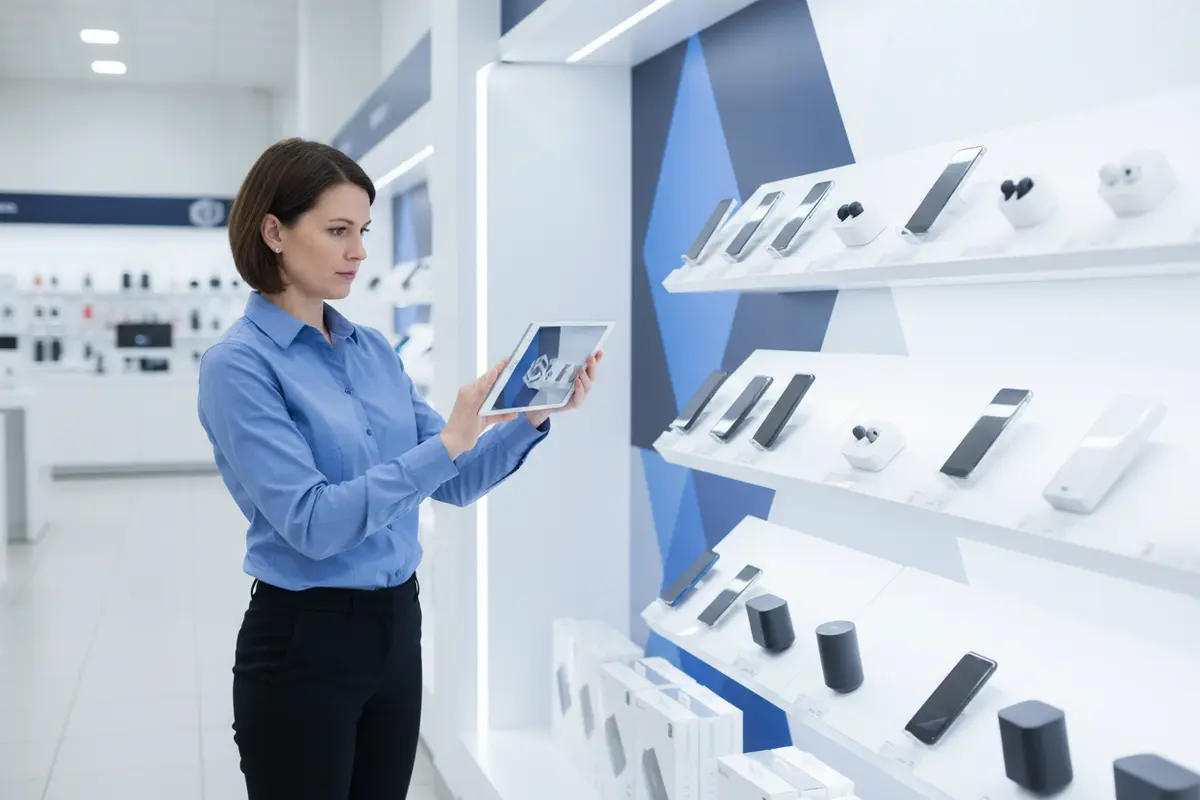
Computer vision is one link in a longer chain. A practical workflow specifies how images are captured, what is analyzed, how findings are routed, and who confirms a next step.
For example, if a pilot flags a display as underfilled, the reviewer should be able to see the relevant image and current assortment reference, confirm the shelf condition, and record whether a store check was warranted. Without that context, the alert may produce extra work instead of a useful decision. Fixture documentation can help define expected conditions across a rollout; S-CUBE’s design, engineering, and prototyping information describes the development stage where repeatable specifications can be considered.
Start with the decision a visual signal is supposed to support. The comparison below separates a possible image observation from what still requires confirmation.
| Use case | Possible visual signal | What a person verifies | Useful pilot measure |
|---|---|---|---|
| Availability review | Display space appears empty or underfilled | Check shelf, back stock, and assortment context | Share of flags confirmed as actionable |
| Planogram observation | Grouping or position may differ from reference | Confirm current plan and approved local exceptions | Review time and recurring exception types |
| Fixture presence | Expected display may be absent or positioned differently | Check rollout records and physical condition | Share of sampled locations with usable images |
| Rollout documentation | Visible store condition at a selected moment | Compare against rollout stage and acceptance criteria | Completeness of records for the selected sample |
A controlled pilot should test whether the workflow is useful under real store conditions, not merely whether software can process images. Keep the scope small enough for a team to review examples, inspect exceptions, and adjust the process before expanding.
Do not assume a result transfers unchanged to every location. A camera view that works for one fixture arrangement may fail with a different height, aisle, lighting condition, or product mix. Review failures as carefully as clear examples. If the intended application changes, such as moving from a shelf-gap observation to a more detailed placement comparison, evaluate it as a distinct question rather than treating the first test as proof.
Use a simple review log that connects each captured image to its expected condition, the system’s flag, and the human decision. Include a reason when a reviewer disagrees: for example, the reference is outdated, the view is obstructed, the exception is approved locally, or the apparent gap needs a store check. Those categories help distinguish a process problem from an image or interpretation problem. Avoid treating a single overall accuracy figure as the entire story; the pilot should reveal whether the specific flags support the decisions the retailer intends to make.
Consider a two-stage review. First, check a sample of images that produced flags and a sample that did not, so the team can look for both unnecessary alerts and missed visible conditions. Second, discuss recurring cases with the people who own the reference materials and store process. If a planogram changed midway through the test, label the change rather than scoring later images against the old layout. If a capture is blurry, count it as an image-quality failure rather than an incorrect product interpretation. This makes the resulting lessons more actionable.
Before expanding the pilot, agree on decision gates. These might include whether images are consistently usable, whether reviewers can determine why a flag appeared, whether the required follow-up is manageable, and whether known exceptions are represented in the reference. The thresholds are retailer-specific; set them with stakeholders before looking at results. If the team cannot explain a flag or route it to an owner, address that workflow gap before adding locations.
Consider privacy before image capture begins. Define the purpose, limit collection to what that task needs, and set rules for who may view, retain, or share images. Where possible, frame the display to minimize capture of shoppers and staff. Agree on retention and access practices with the appropriate internal privacy and legal stakeholders, and follow applicable policies and laws. The Federal Trade Commission provides consumer-protection and privacy resources; consult appropriate counsel about obligations that apply to a specific deployment. Requirements vary by location and use; this article is not legal advice.
Image quality places a limit on useful interpretation. Glare, shadows, occlusion, motion blur, changing packaging, and inconsistent camera angles can make a display hard to assess. A product may be hidden behind another item, while reflections can obscure its appearance. Record capture problems separately from analysis errors so teams can identify whether the image or the interpretation caused a failure.
Reference quality matters just as much. Keep planograms and assortment references current, record when they change, and label approved exceptions. If the expected assortment changes but the comparison reference does not, a consistent analysis can still generate misleading flags. A reviewer should be able to identify which reference applied to the location and date of capture.
A reliable comparison begins with knowing what the image is being compared against. Assign an owner for each planogram or display reference, record the version and date it applies, and make the file accessible to reviewers. When the assortment or campaign changes, communicate when the updated reference becomes effective. A visual system should not be expected to infer that a store is in transition if the workflow has no way to represent the transition.
Build an exception path for stores that differ for a valid reason. A location may have an approved local assortment, a temporary reset, or a fixture configuration that differs from the standard. Record these exceptions in a format reviewers can find, including their effective period and who approved them. Without such a path, teams may repeatedly investigate known differences or mistakenly treat a valid variation as a defect. Keep the process practical: the purpose is to give a reviewer enough context to make a sound decision, not to create unnecessary documentation.
Think about visibility during design and rollout, while keeping the fixture’s merchandising function primary. Teams can review whether the planned view has a clear line of sight to the display area and whether products are distinguishable in the image. This does not mean redesigning a fixture solely for a camera; it means considering what a visual check can reasonably observe within the real store environment.
For multi-location programs, consistent specifications and assembly instructions can reduce avoidable variation. Local conditions may still differ, so document approved variations and give store teams a way to report circumstances the reference does not capture. S-CUBE’s project management and customer service page outlines coordination capabilities relevant to complex fixture programs.
These safeguards also clarify when the approach may not be suitable. If the target condition is hidden from view, references are unavailable, or no team can review the output, an image-based workflow may not answer the operational question. Improve the underlying process first rather than expanding capture without a defined decision and owner.
Discuss a custom fixture program
No. It can help organize visual observations, but people still need to confirm exceptions, understand local context, and decide what action is appropriate. The balance depends on the task and the reliability of the image workflow.
Not by itself. An image may show product on a display or an apparent gap, but it cannot establish total inventory across a store or back room. Treat the result as a visual cue for a stock check.
Track image usability, how often reviewers confirm flags, time required to review them, recurring error causes, and whether the workflow leads to a useful next step. Set measures before collecting images.
Define the purpose and access rules in advance, frame images around displays, minimize unnecessary capture, and establish retention and review practices with internal privacy and legal teams.
Fixture layout and consistency affect what an image can show. Involving fixture teams early can help align display references, rollout documentation, and the intended field of view without treating image analysis as a substitute for sound fixture design.
Retail display computer vision is most useful when it supports a specific operational question and keeps people responsible for interpretation. A measured pilot can show whether images, references, and follow-up are dependable enough for the intended use.